The one-sentence difference
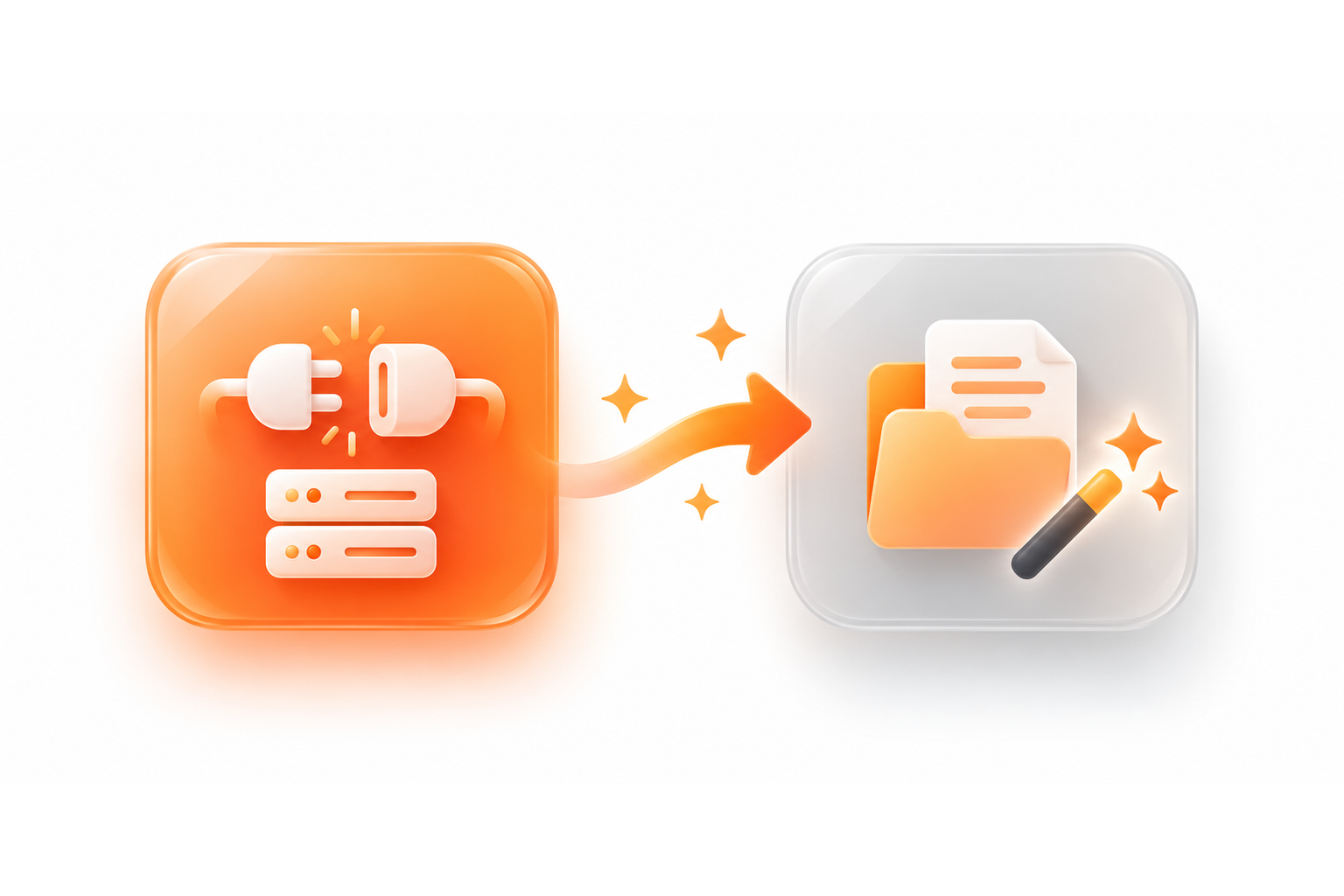
MCP gives an agent access; a Skill gives an agent expertise. MCP servers expose tools and data the agent can call — search, databases, your analytics, your inbox. A Skill packages the procedure: the exact steps an expert would follow, written down so the agent can load them when the task matches.
If the agent is a new hire, MCP is the set of keys and logins, and a Skill is the playbook for the job.
What MCP actually is
The Model Context Protocol is an open standard for connecting AI agents to external systems. An MCP server wraps a tool or dataset and advertises what it can do; an agent client connects to the server and can then call those capabilities.
In practice, MCP is what makes an agent useful beyond conversation: pulling market data, querying a database, reading files, filing tickets. The ecosystem is large and still growing — MCP directories now index hundreds of thousands of servers, which tells you how much of the “agent tooling” story runs through this one protocol.
What Agent Skills actually are
Agent Skills are a lightweight, open format for packaging know-how. At the core, a skill is a folder with a SKILL.md file: metadata plus instructions that tell the agent how to perform a specific task, optionally bundled with scripts, references and templates.
Agents load skills through progressive disclosure: at startup they see only the name and description; when a task matches, they activate the skill and read the full instructions. Because the format is plain files, the same skill works across skills-compatible clients — Claude Code, Cursor, Codex CLI, VS Code, Copilot and more. The spec lives at agentskills.io.
How they work together
Most serious workflows use both, layered: the Skill carries the process, MCP carries the live connection. A few examples:
- A reporting skill says which metrics matter and how to structure the memo; an MCP server pulls the numbers from your analytics.
- A market-research skill encodes how to screen candidates; MCP feeds live price and filing data.
- An SEO skill writes the audit checklist; MCP connects to Search Console.
- A support skill defines tone and escalation rules; MCP reaches the helpdesk.
When you need which
A simple decision rule:
- The agent must reach a live system — data, files, APIs — you need MCP (or another integration).
- The agent must follow your exact process and produce a specific output — you need a Skill.
- You want both — connect the MCP servers once, then install or load the skills that use them.
- You want to skip setup entirely — run the packaged version: on Capafy AI, skills ship as agents you run in the browser with the runtime handled for you.
Where to get each
MCP servers live in MCP directories — Glama and LobeHub are two of the largest. Skills live in skills marketplaces and indexes: SkillsMP, Skills.sh, Agensi and others cover tens of thousands of listings. Our round-up of the best agent skills marketplaces compares them in one place.
And if you would rather run a finished job than assemble a stack: Capafy AI runs packaged skills as agents online — sign in with Google, press Run, no MCP client and nothing to install.
Updated October 2026. Facts checked against the live Capafy AI marketplace.